
 Kia Sedona: Smart key Repair procedures
Third generation YP (2014-2026) / Kia Sedona YP Service Manual / Body Electrical System / Smart key System / Smart key Repair procedures
| Smart Key |
Smart Key Code Saving
| 1. |
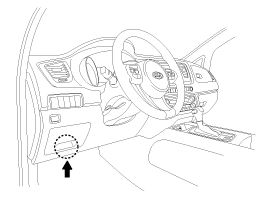
Connect the DLC cable of GDS to the data link connector (16
pins) in driver side crash pad lower panel, and then turn the power on
GDS.
|
| 2. |
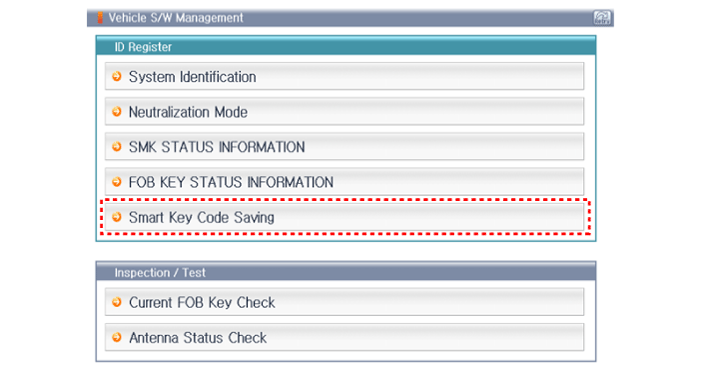
Select the vehicle model and then perform "Smart key code saving".
|
| 3. |
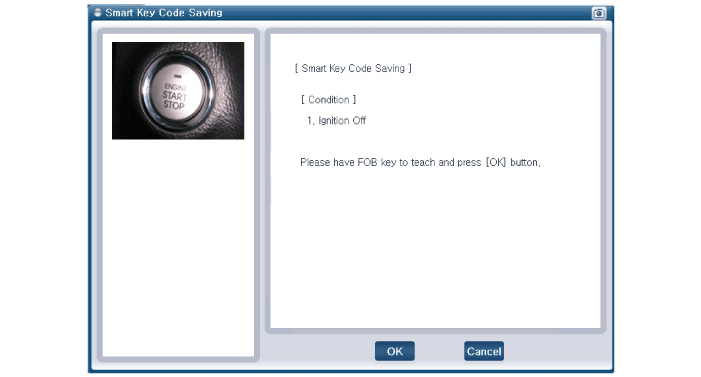
After selecting "Smart Key Code Saving" menu, push "Enter" key, then the screen will be shown as below.
|
| 4. |
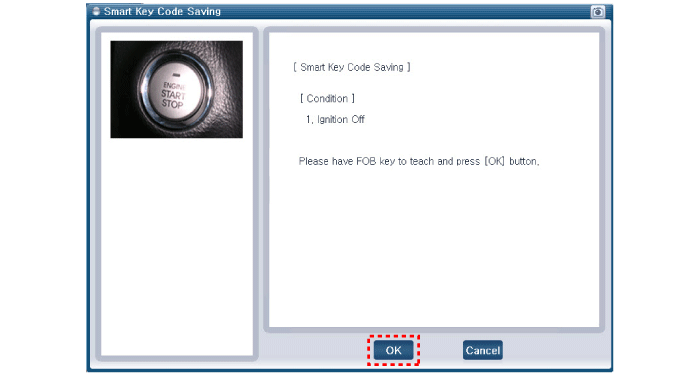
After saving the smart key code, press "OK" button.
|
| 5. |
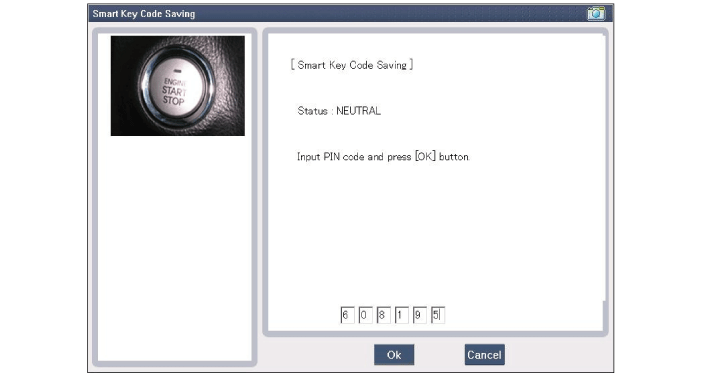
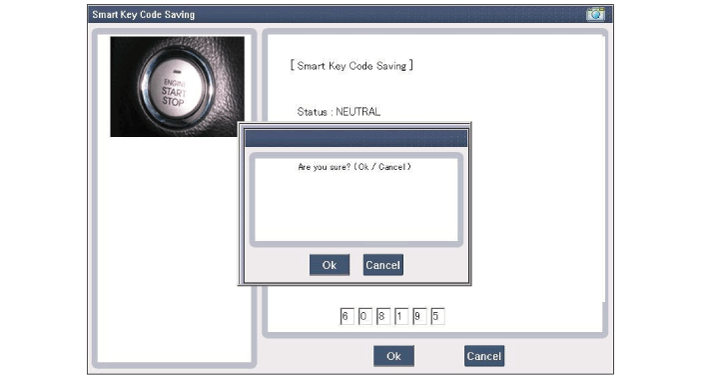
Enter the "Pin code" for the first key teaching.
|
| 6. |
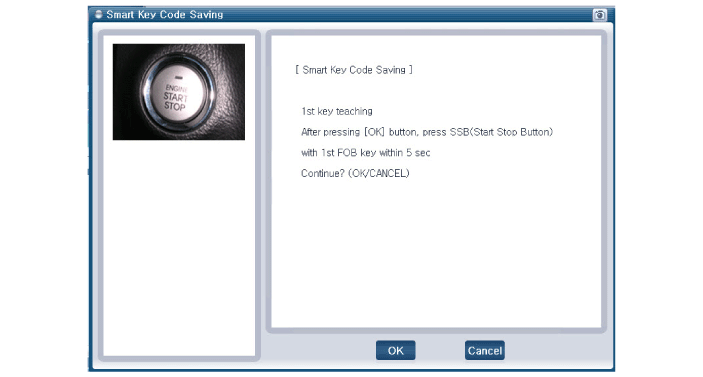
Press the SSB with smart key within 5 sec after pressing "OK".
|
| 7. |
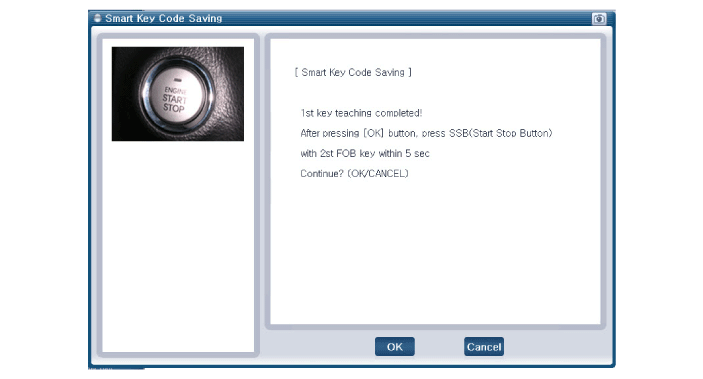
Confirm the message "First key teaching completed".
|
| 8. |
Press the SSB with smart key within 5 sec after pressing "OK".
|
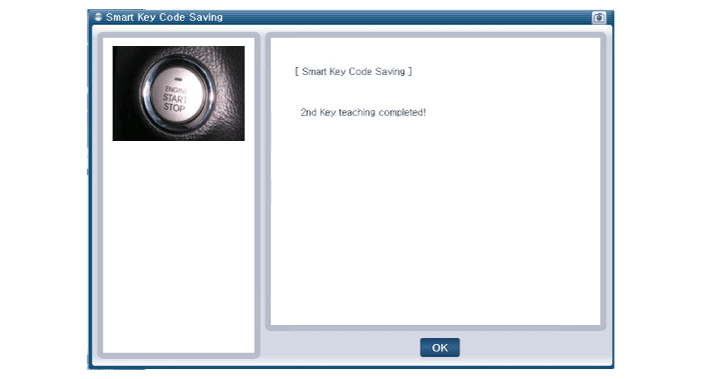
| 9. |
Confirm the message "Second key teaching completed".
|
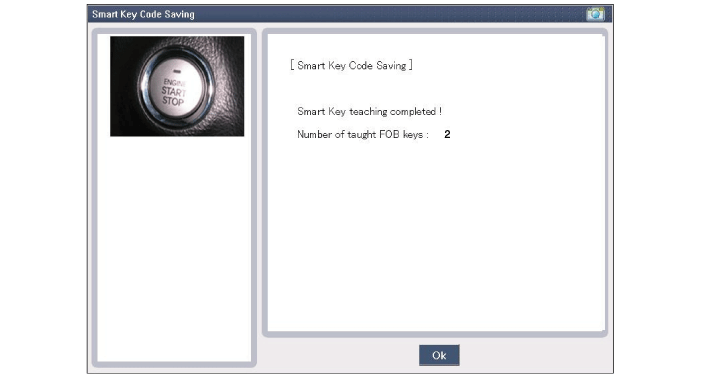
| 10. |
Then the screen will be shown as below when smart key saving process is completed.
|
 Smart key Diagnostic Repair procedures
Inspection
Self Diagnosis With Scan Tool
Using the GDS, it can quickly diagnose defects of SMART KEY
system. GDS can operate actuator forcefully, monitor input/output values
and perform self d ...
 Smart key unit Components and Components Location
Components (1)
Connector Pin Information
No.Connector AConnector BConnector C1Immobilizer antenna GND outputB+IGN12Bumper antenna GND output--3Rear antenna GND output--4Interior antenna 2 GND ou ...
Other Information:
Troubleshooting
Failure Check-up Elements
The following is to be checked before inspecting the Power Sliding Door system parts.
1.
Manual operation
Check if the sliding door operates manually. Shift to ''OFF''
...
Charging System Warning Light
This warning light illuminates :
Once you set the ignition switch or Engine Start/Stop Button to the ON position.
- It remains on until the engine is started.
When there is a malfunction wit ...
Categories
- Home
- First Generation
- Second Generation
- Third generation
- Kia Sedona YP 2014-2026 Owners Manual
- Kia Sedona YP 2014-2026 Service Manual

Copyright © www.kisedona.com 2016-2026